About Upside Down Font Generator
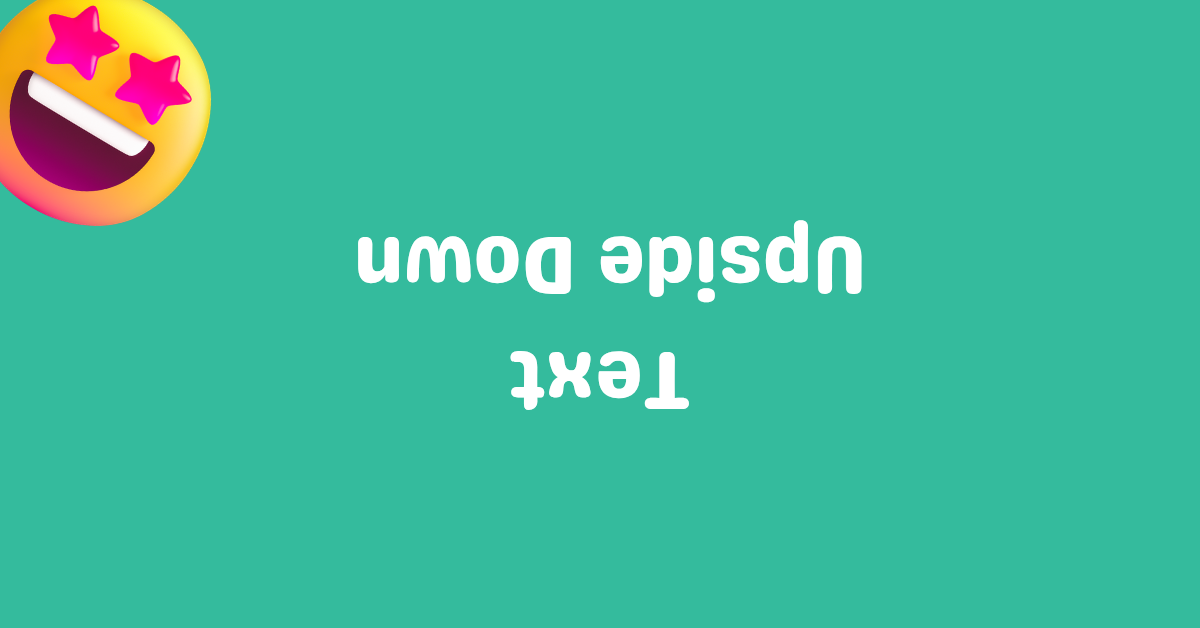
Upside down text generator is an engaging, highly technical typographical tool that takes your standard input text and mathematically flips it upside-down (rotating it 180 degrees). Because most digital platforms don't allow you to natively rotate text, this tool circumvents that restriction by leveraging a clever combination of obscure Unicode characters. For example, it swaps the standard letter 'T' with 'Ʇ' (a Turned Capital T) and 'a' with 'ɐ' (Turned a). What's fascinating about this process is that many standard alphabetical characters—like H, I, N, O, S, X, and Z—already possess perfect rotational symmetry, meaning they look identical whether flipped or normal!
To achieve a perfect inversion, the tool not only substitutes individual characters but also reverses the entire order of the string, ensuring the sentence still reads correctly from left to right when viewed upside down. After typing your text, you can effortlessly copy and paste the flipped text styles into your favorite social media platforms. This generator is comprehensive—covering the full alphabet, numerical digits, and even specialized punctuation like the inverted question mark (¿) and exclamation mark (¡).
Where can you use Flip text?
You can use flip text styles basically anywhere Unicode symbols are supported. But you should not use it in every context. While most users can read it with a little effort, individuals using screen readers won't be able to read it.
Chats:
This is one of the best uses of upside down font. You can use it in chats to add a fun tone when talking to friends and family.
For example, instead of saying "ok", you could write ʞo.
Social media platforms:
You can use them on platforms like Facebook, Instagram, Twitter (X), etc. However, avoid overusing them, especially if your audience includes people who use accessibility tools.
Use Built-In Rotation Tools
It's best not to copy and paste upside down symbols into platforms that have native options for text rotation. For example, in Microsoft Word, you can rotate text 180° by going to Insert → Text Box (or WordArt) → Shape Format → Rotate.
Similarly, platforms like Excel and Canva also provide options to rotate text. On websites, you can use CSS like transform: rotate(180deg) to achieve the same effect.
Upside-down symbols table
Below is a complete list of upside down letters, numbers, and symbols this tool uses to flip text.
| Normal | Upside-down |
|---|---|
| A | Ɐ (Turned capital A) |
| B | ᗺ (Carrier Kha) |
| C | Ɔ (Open O) |
| D | ᗡ (Carrier Tha) |
| E | Ǝ (Reversed E) |
| F | Ⅎ (Turned capital F) |
| G | ⅁ (Turned sans-serif G) |
| H | H (Capital H) |
| I | I (Capital I) |
| J | ᒋ (Syllabics Ci) |
| K | ꓘ (Lisu Kha) |
| L | ⅂ (Turned sans-serif L) |
| M | ꟽ (Inverted M) |
| N | N (Capital N) |
| O | O (Capital O) |
| P | Ԁ (Komi De) |
| Q | ტ (Georgian Tar) |
| R | ᴚ (Turned small capital R) |
| S | S (Capital S) |
| T | Ʇ (Turned capital T) |
| U | Ո (Armenian Vo) |
| V | Λ (Lamda) |
| W | M (Capital M) |
| X | X (Capital X) |
| Y | ⅄ (Turned sans-serif Y) |
| Z | Z (Capital Z) |
| a | ɐ (Turned a) |
| b | q (Small q) |
| c | ɔ (Open o) |
| d | p (Small p) |
| e | ǝ (Turned e) |
| f | ɟ (Dotless j with stroke) |
| g | ɓ (B with hook) |
| h | ɥ (Turned h) |
| i | ᴉ (Turned i) |
| j | ſ (Long s) |
| k | ʞ (Turned k) |
| l | l (Small l) |
| m | ɯ (Turned m) |
| n | u (Small u) |
| o | o (Small o) |
| p | d (Small d) |
| q | b (Small b) |
| r | ɹ (Turned r) |
| s | s (Small s) |
| t | ʇ (Turned t) |
| u | n (Small n) |
| v | ʌ (Turned v) |
| w | ʍ (Turned w) |
| x | x (Small x) |
| y | ʎ (Turned y) |
| z | z (Small z) |
| 0 | 0 (Digit 0) |
| 1 | ⇂ (Downwards harpoon) |
| 2 | ᘔ (Carrier Ju) |
| 3 | Ɛ (Open E) |
| 4 | ߈ (NKo digit eight) |
| 5 | ဌ (Myanmar Ttha) |
| 6 | 9 (Digit 9) |
| 7 | ㄥ (Bopomofo Eng) |
| 8 | 8 (Digit 8) |
| 9 | 6 (Digit 6) |
| ! | ¡ (Inverted exclamation mark) |
| ? | ¿ (Inverted question mark) |
| & | ⅋ (Turned ampersand) |
| ; | ؛ (Arabic semicolon) |